
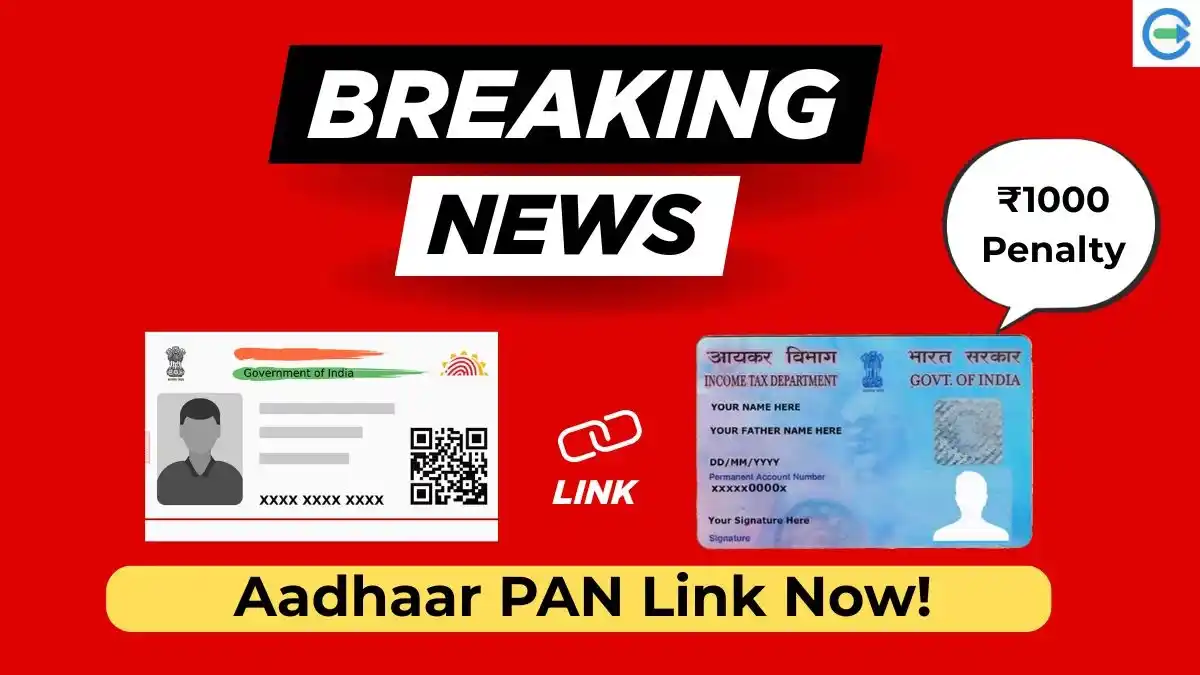
Linking your PAN card with Aadhaar has become mandatory for Indian taxpayers. If your PAN is not linked with Aadhaar, it can become inactive, causing issues while filing income tax returns, opening bank accounts, or completing KYC. Fortunately, the process to PAN Aadhaar link online is simple, and you can also verify your status anytime, and it is compulsory for every Indian.
This guide explains how to link PAN with Aadhaar, check the linking status, understand applicable fees, and prepare your PAN application correctly—especially your photo and signature—to avoid rejection.
How to PAN Aadhaar Link Online
The government allows users to complete E filing Aadhaar PAN link through the official Income Tax e-Filing portal. You only need your PAN number, Aadhaar number, and a registered mobile number.
Once linked, your PAN becomes valid for all financial and tax-related activities. The process usually takes only a few minutes, but errors in details can delay confirmation.
Check Aadhaar Card PAN Card Link Status
After submitting the request, many users want to confirm whether the linking was successful. You can easily check the Aadhaar card PAN card link status online by entering your PAN and Aadhaar numbers on the portal.
If the status shows “Linked”, no further action is required. If it shows “Not Linked”, you may need to retry or correct mismatched details such as name or date of birth. Check your Aadhaar PAN card link status.
Aadhaar PAN Card Link Fees Explained
Currently, the PAN card link to Aadhaar fees applies if the linking is done after the deadline. To link your PAN with Aadhaar at present, a penalty fee of ₹1,000 must be paid through the Income Tax e-filing portal, as this charge applies for completing the linking process after the official deadline. The payment can be made online through net banking, UPI, or debit card during the linking process. So it is always advisable to complete the linking as early as possible to avoid penalties.
Mobile Number Link to Aadhaar Card Online Check
Many users face OTP issues while linking PAN and Aadhaar. This often happens when the mobile number is not updated with Aadhaar. You can perform a mobile number link to Aadhaar card online check to confirm whether your number is registered. Very your Aadhar card mobile number.
If not linked, you should update your mobile number at an Aadhaar enrollment or update center before proceeding with PAN–Aadhaar linking.
Also read: What is BMP Format? A Complete Guide to Bitmap Images
Why PAN Application Gets Rejected Due to Photo & Signature
While applying for a new PAN or correction online, a major reason for rejection is incorrect image size or format. NSDL follows strict validation rules, especially for image quality. That’s where tools like a pan card photo resizer and pan card signature resizer become essential.
PAN Card Photo & Signature Size Requirements, To avoid errors, your images must follow official guidelines:
- PAN card photo size in KB: 10 KB to 20 KB
- PAN card signature size: 10 KB to 20 KB
- Resolution: 200 DPI (mandatory)
- Format: JPEG / JPG only
Using a pan card photo resize 200 dpi tool ensures your image meets NSDL standards. Instead of resizing images manually, a PAN card photo and signature size converter makes the job effortless. These tools automatically adjust file size, DPI, and dimensions without reducing clarity.
A reliable PAN card photo resizer online or a free online PAN card photo & signature resize tool saves time and prevents repeated upload failures. PAN Card Photo and Signature Size Converter.
If you are applying through NSDL, always use an NSDL PAN card photo and signature resize online tool. These tools are designed specifically to match NSDL’s backend validation system. Many applicants prefer NSDL PAN card photo and signature size online solutions because they eliminate manual adjustments and guesswork.
Conclusion
Linking PAN with Aadhaar is not just a compliance requirement—it ensures uninterrupted access to financial and tax services. By completing PAN Aadhaar link online, checking your status, paying applicable fees, and ensuring correct PAN image uploads, you can avoid unnecessary stress and delays. If you are applying for an online PAN application and need to resize your photo or signature, you can easily use our PAN card photo & signature resizer tool to adjust the size in KB, set 200 DPI, and meet NSDL requirements instantly—free and hassle-free.